
FloeTask
A desktop todo.txt manager with a list, a status board and a calendar.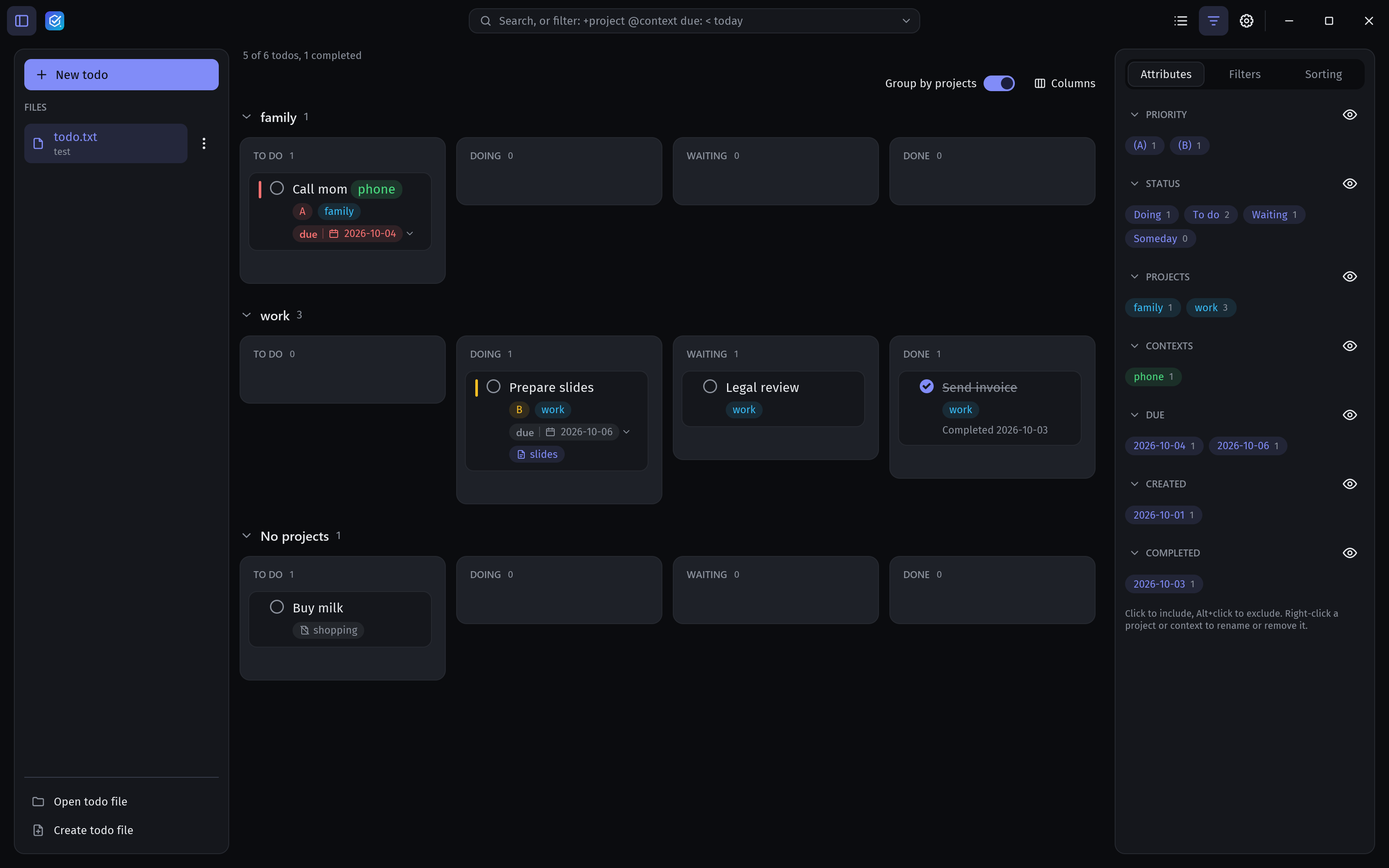
FloeTask is a desktop app for todo.txt files. Your tasks stay in a plain text file that you can sync, version or edit anywhere. FloeTask adds a fast interface on top: grouping, filtering, a status board, a calendar and reminders.
Why todo.txt
A todo.txt file is one task per line, readable by any editor and by dozens of other tools. FloeTask reads and writes it exactly as it found it, so lines it does not change stay untouched. It watches the file and reloads when another app or a sync service changes it.
(A) Call the plumber +house @phone due:2026-10-24
Write release notes +floetask status:doing
x 2026-10-20 Renew passport @errands
Three views of the same tasks
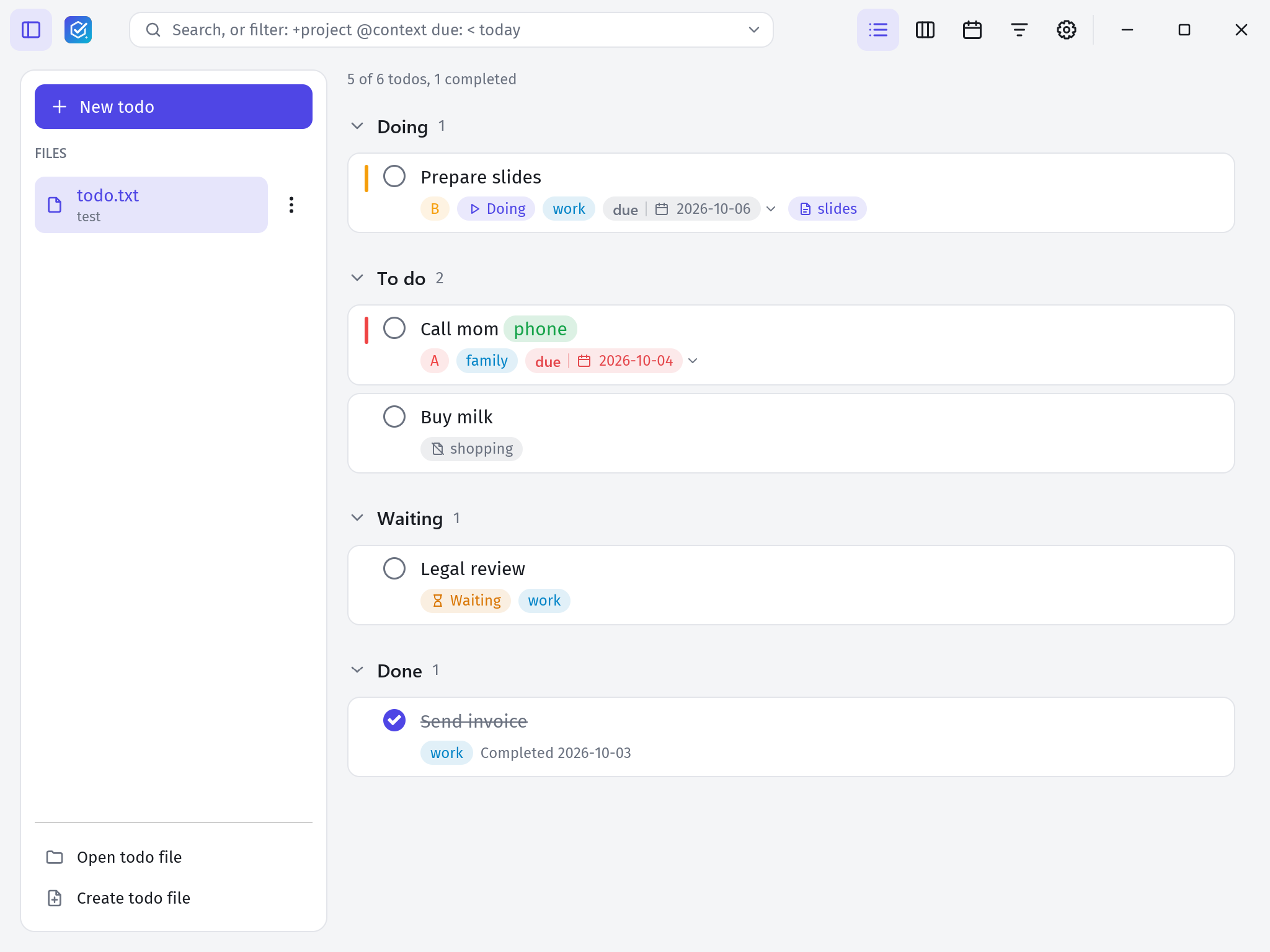
- List. Grouped and sorted, with counts per group. Group by status, priority, project or anything else in the sort order.
- Board. One column per status plus Done. Drag a card to change its status or complete it. You choose the columns for each file.
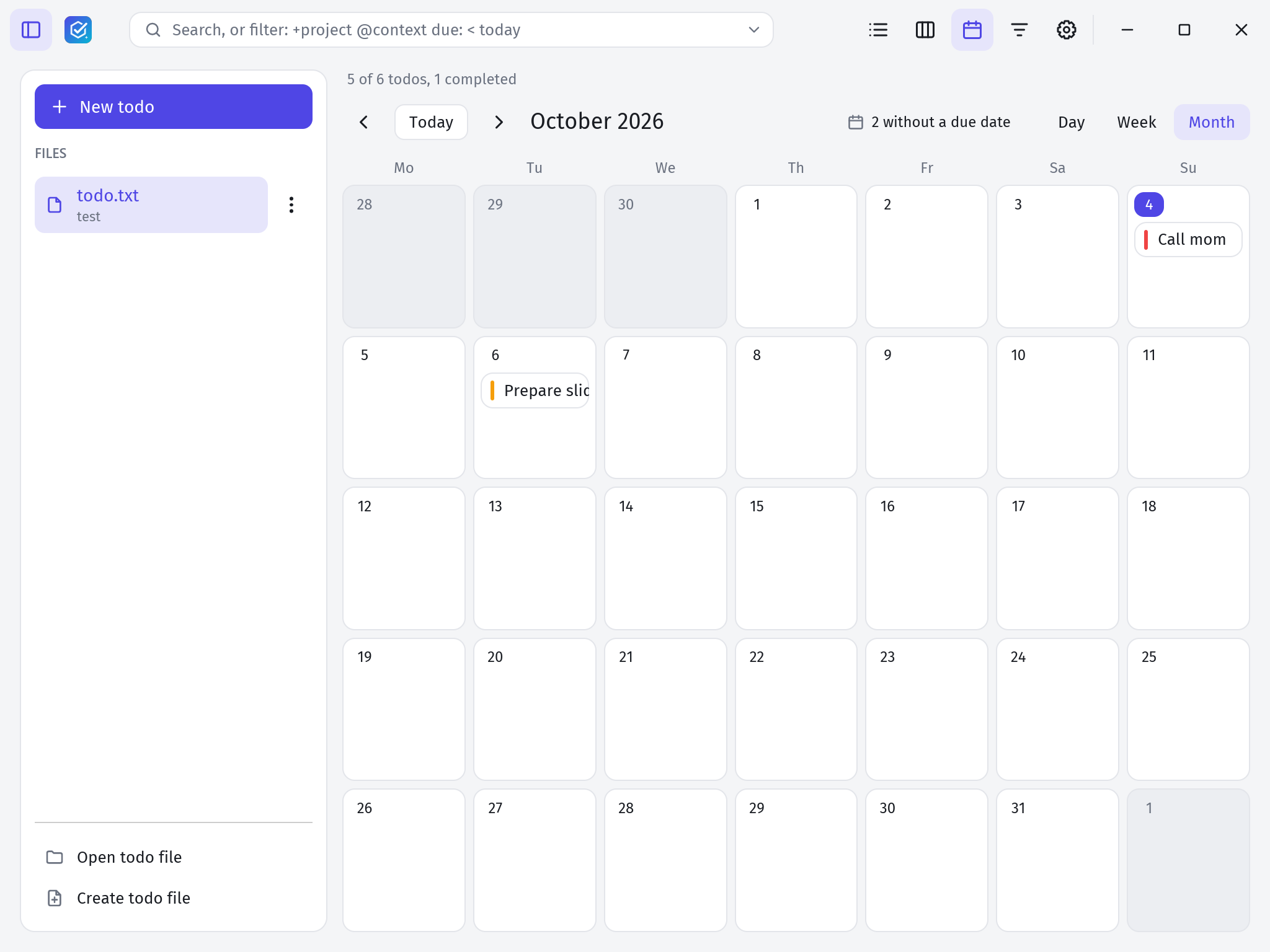
- Calendar. Tasks by due date in a day, week or month view. Drag a task to another day to move its due date.
Features
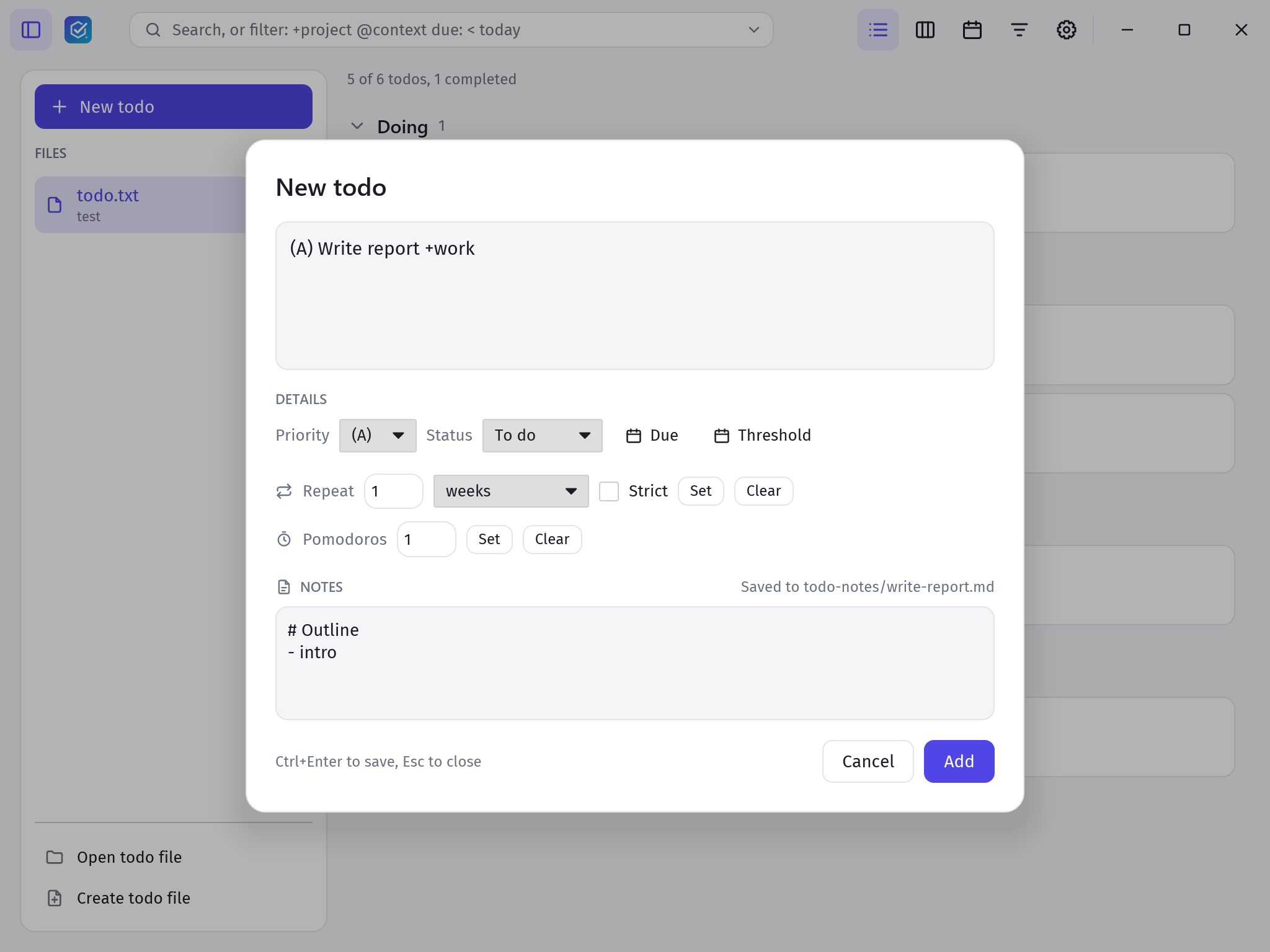
- Quick entry. Type plain todo.txt.
+projectand@contextautocomplete, and pickers set priority, due and threshold dates, recurrence and pomodoros. - Natural dates.
due:tomorrowbecomes a real date on save. Dates can also be shown as “today” or “next week”. - Search language. Expressions such as
+work and due: < today+3d,(A) or pri >= Cor/regex/. Save searches and pick them again later. - Statuses. A
status:extension with your own values and order, for exampledoing,waiting,in-revieworsomeday. - Notes. Attach a Markdown note to any task and open it in its own window.
- Recurrence. Completing a
rec:task adds its next occurrence. - Several files. Keep work and home separate, each with its own archive file for completed tasks.
- Reminders. Desktop notifications for tasks that are due soon.
- Safe writes. Changes are written to a temporary file first, so a crash never leaves a half-written todo file.
- Your way. Light and dark themes, custom colours, zoom, compact mode and keyboard shortcuts for every action.
- Five languages. English, German, French, Spanish and Italian. The todo files themselves stay the same in every language.
Getting started
Installers for Windows, macOS and Linux are on the releases page. The app checks for updates and can install signed releases itself. To build from source:
cargo run --release -p floetask-app -- path/to/todo.txtSettings live in ~/.config/floetask/ and the app remembers where you left off in ~/.local/state/floetask/, on every platform.
License
FloeTask is written in Rust with the iced GUI toolkit and licensed under MIT or Apache 2.0, at your option.