Portable
Open the same file with any todo.txt app on any platform, or with a plain text editor. floetask changes only the words you edit, so nothing else in the file moves.

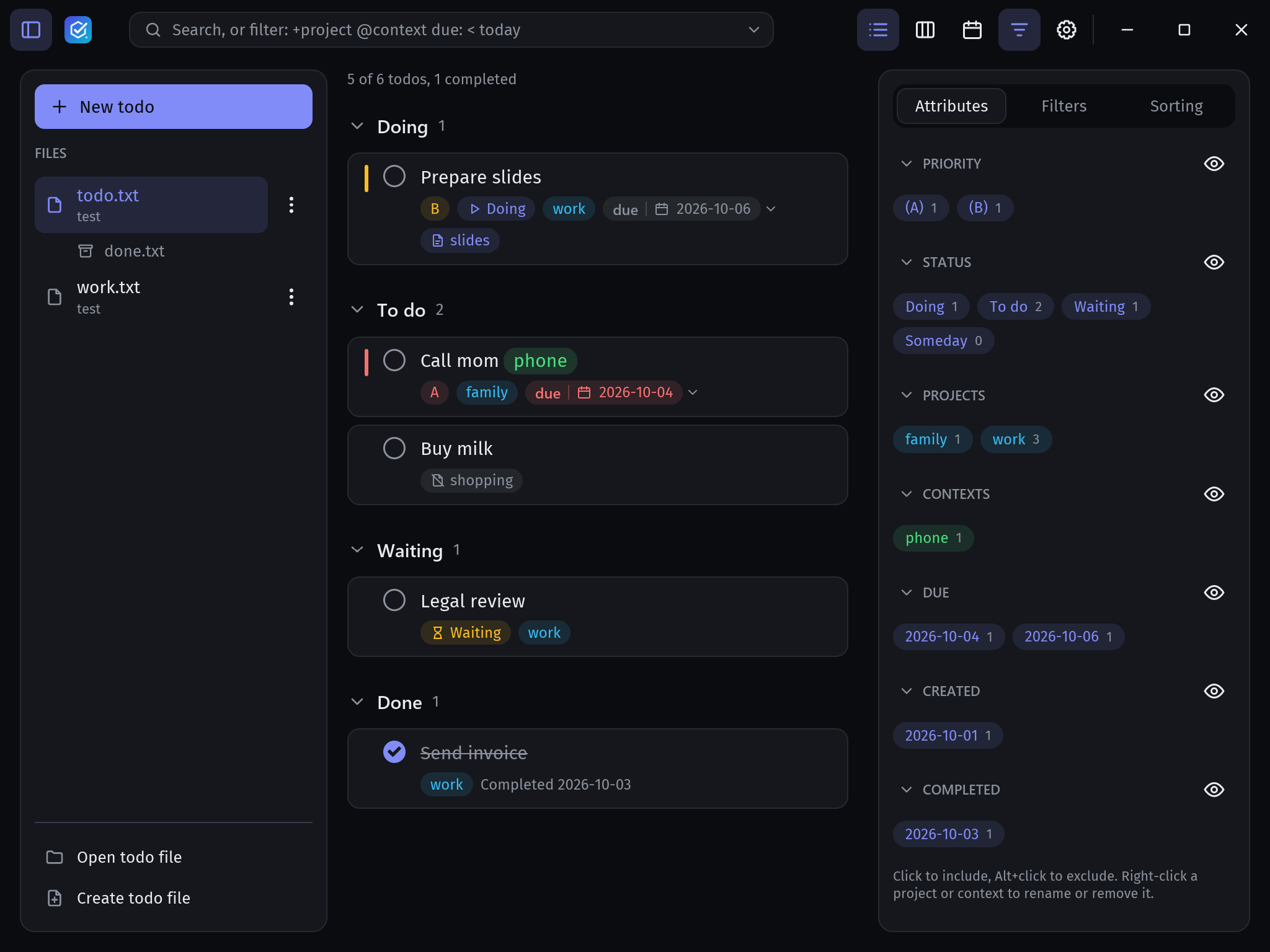
floetask is a fast desktop todo.txt manager written in Rust. Your todos stay in one plain text file that you own, and floetask gives them a list, a status board, a calendar, powerful search and notes.
Windows · macOS · Linux · free and open source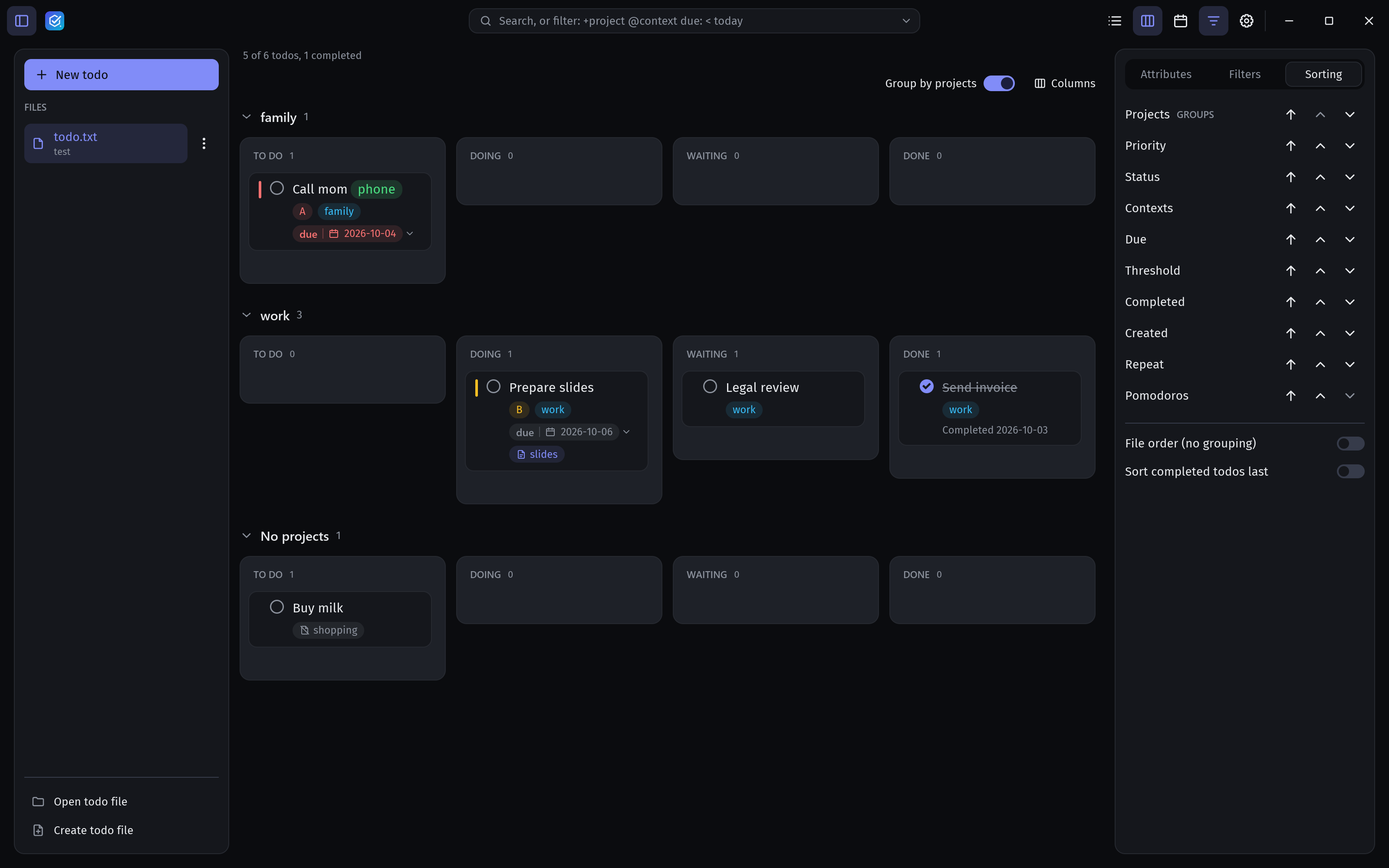
Your data, your file
floetask reads and writes the todo.txt format. Every todo is one line in a plain text file, so your list stays portable, scriptable and yours.
(A) 2026-10-06 Call the plumber +house @phone due:2026-10-08 status:doing note:plumber.mdOpen the same file with any todo.txt app on any platform, or with a plain text editor. floetask changes only the words you edit, so nothing else in the file moves.
grep it, sed it, script it, keep it in git. A line of text is the easiest data format there is to automate.
No account, no server, no subscription, no lock-in. If you stop using floetask tomorrow, your list is still right there.
Sync without a sync service
floetask has no cloud of its own, and it does not need one. Keep todo.txt in any synced folder and the same list is on every computer and phone you own. When another device changes the file, floetask notices and reloads it.
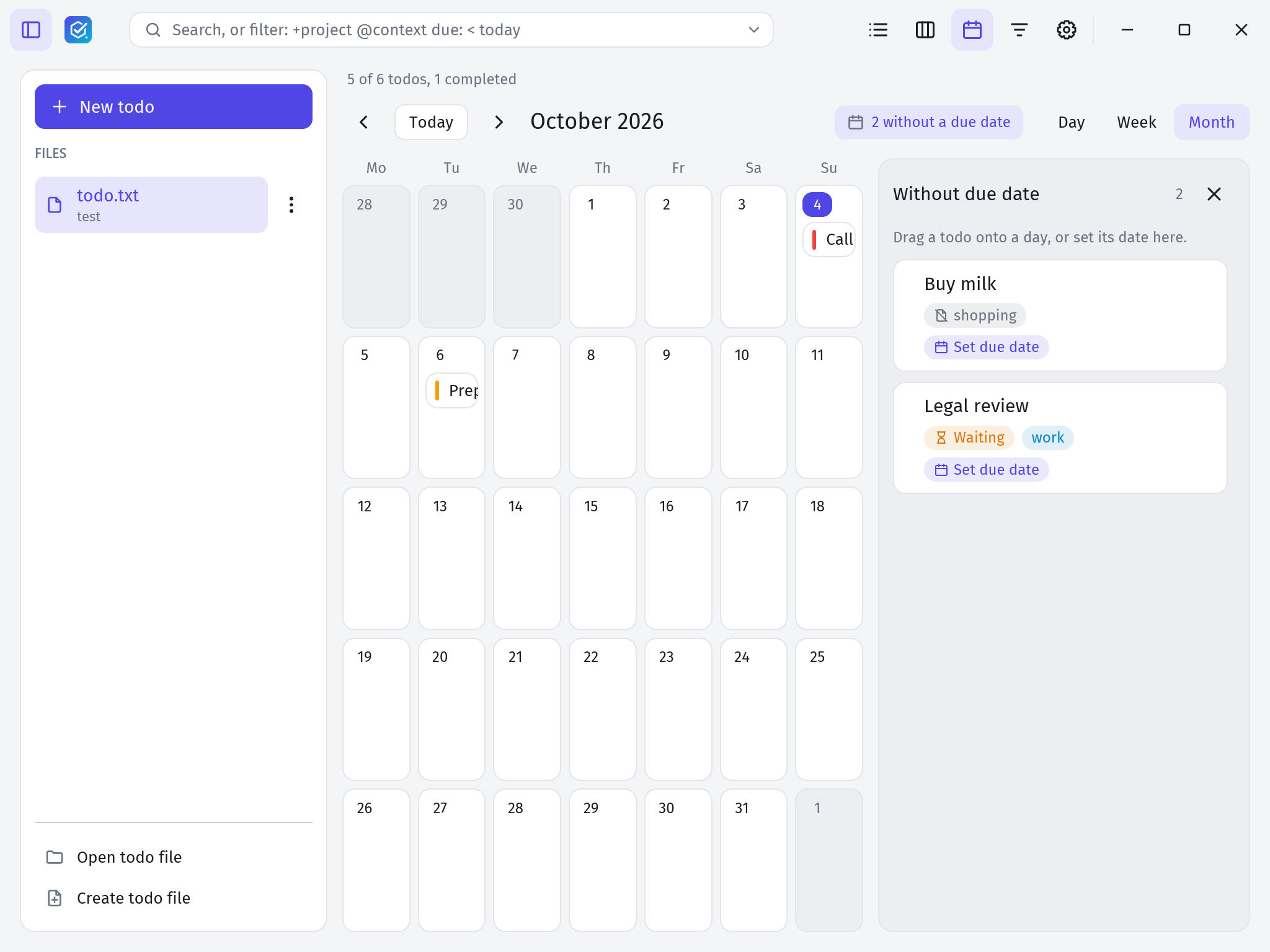
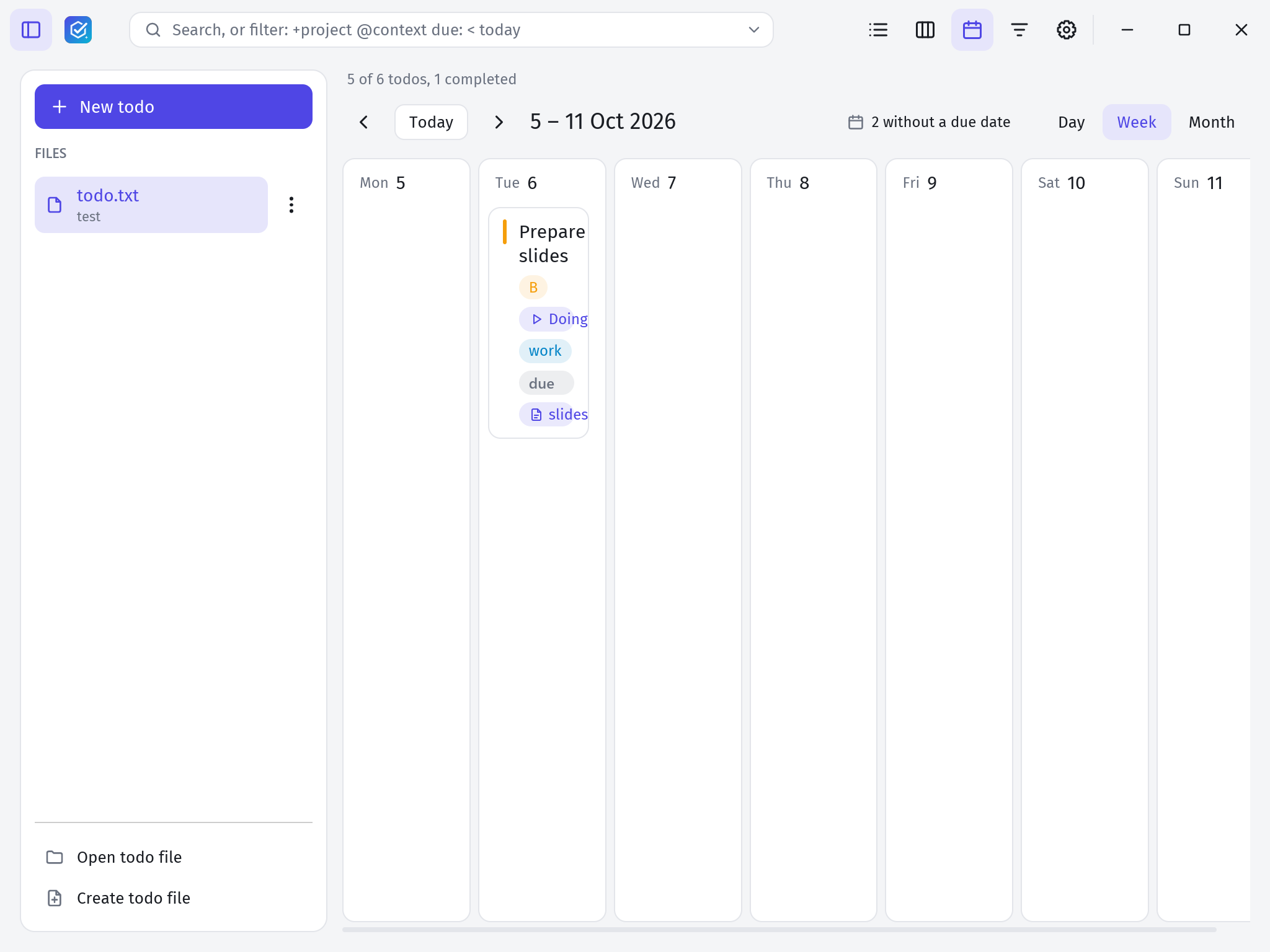
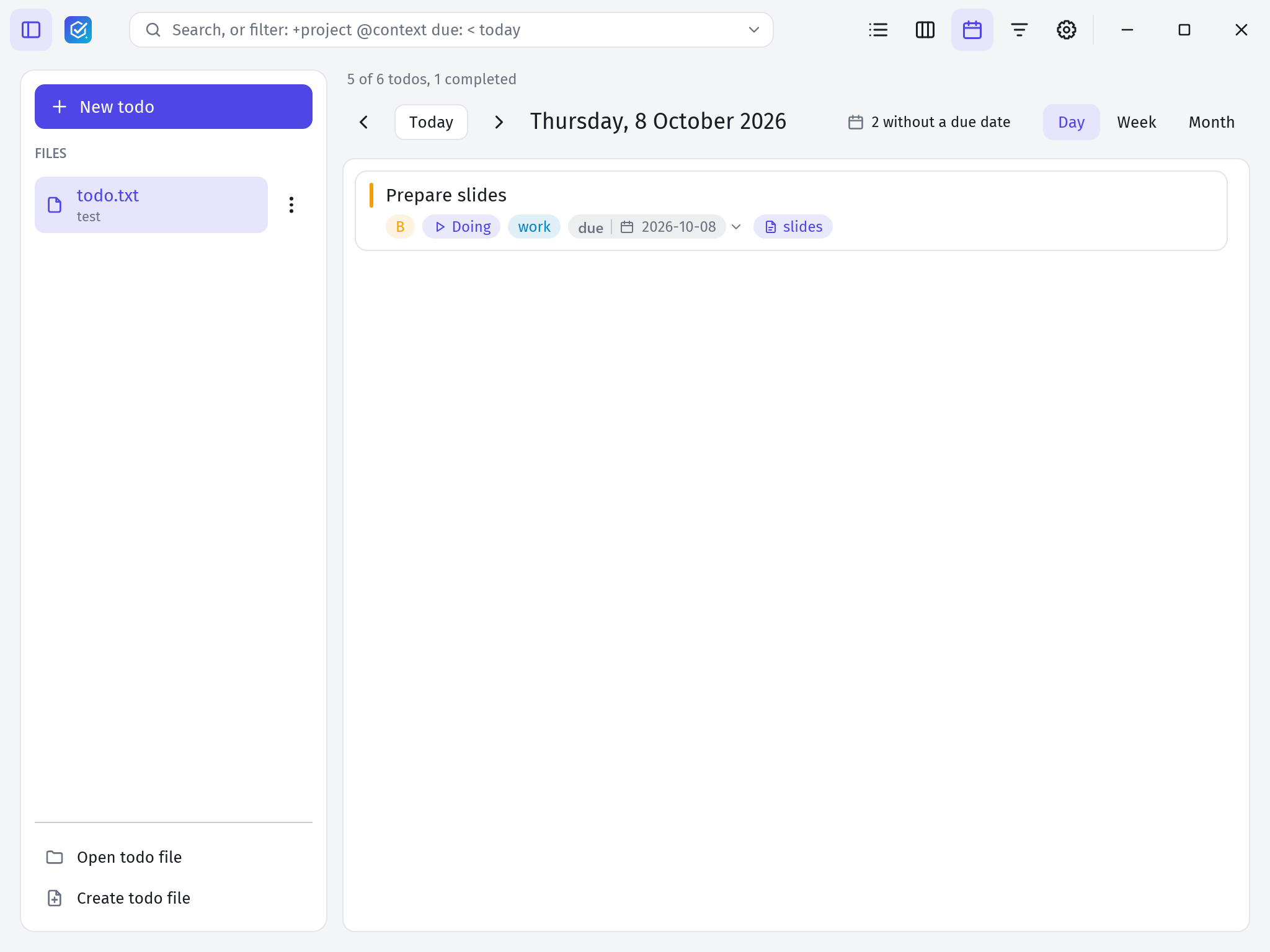
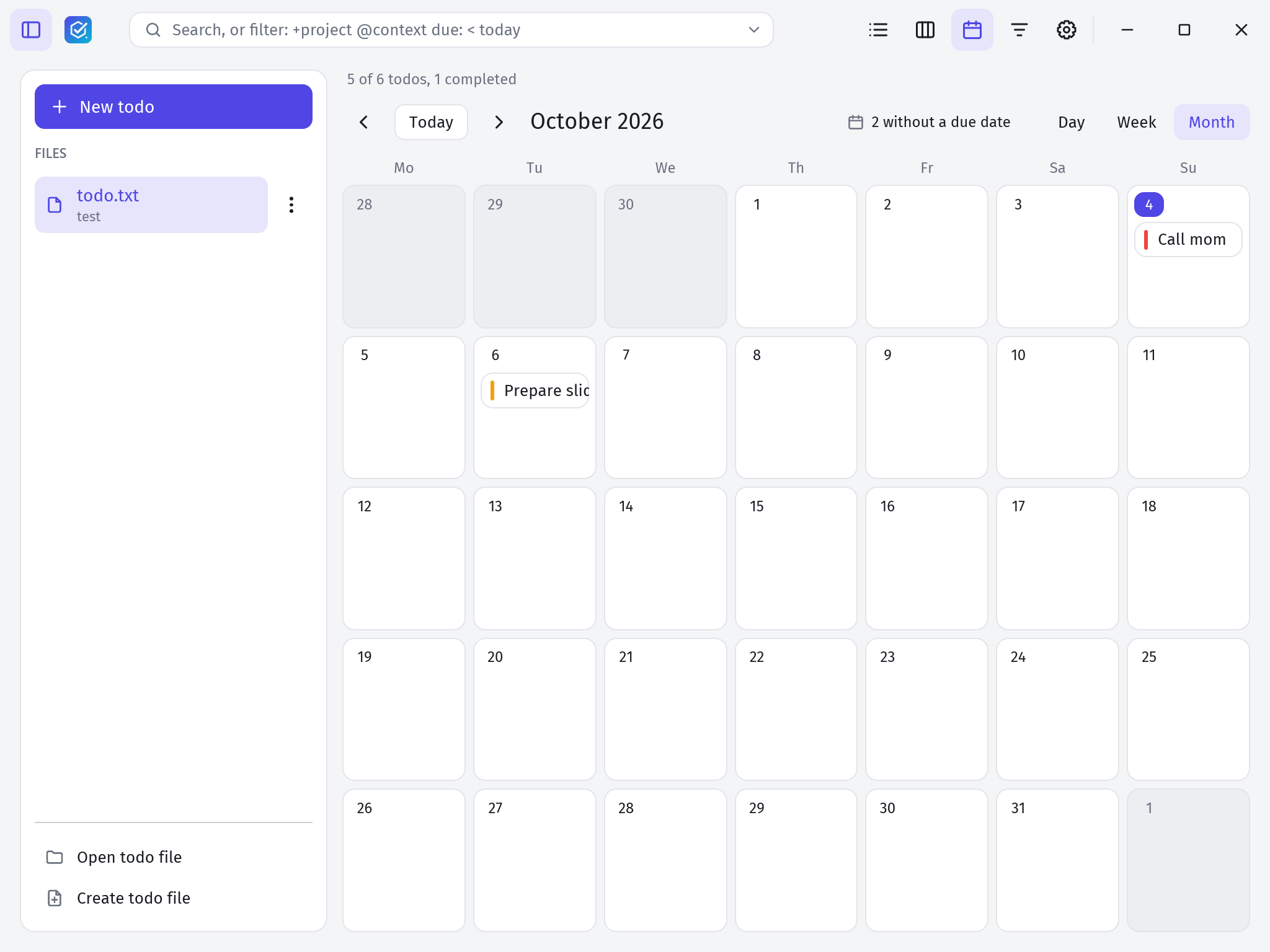
See your todos laid out by due date in a day, week or month view. The calendar shows exactly what the list shows, with the same search and filters.
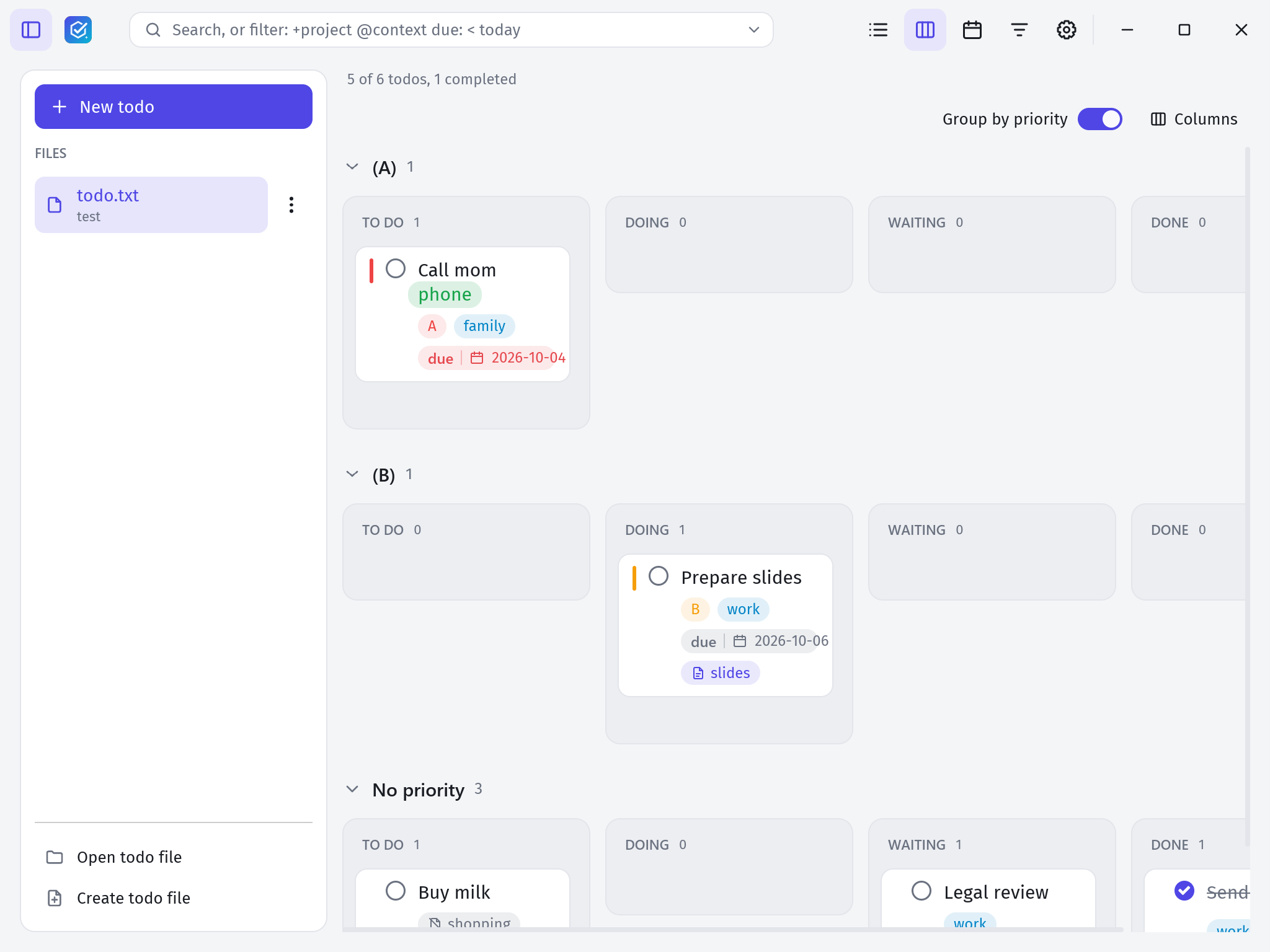
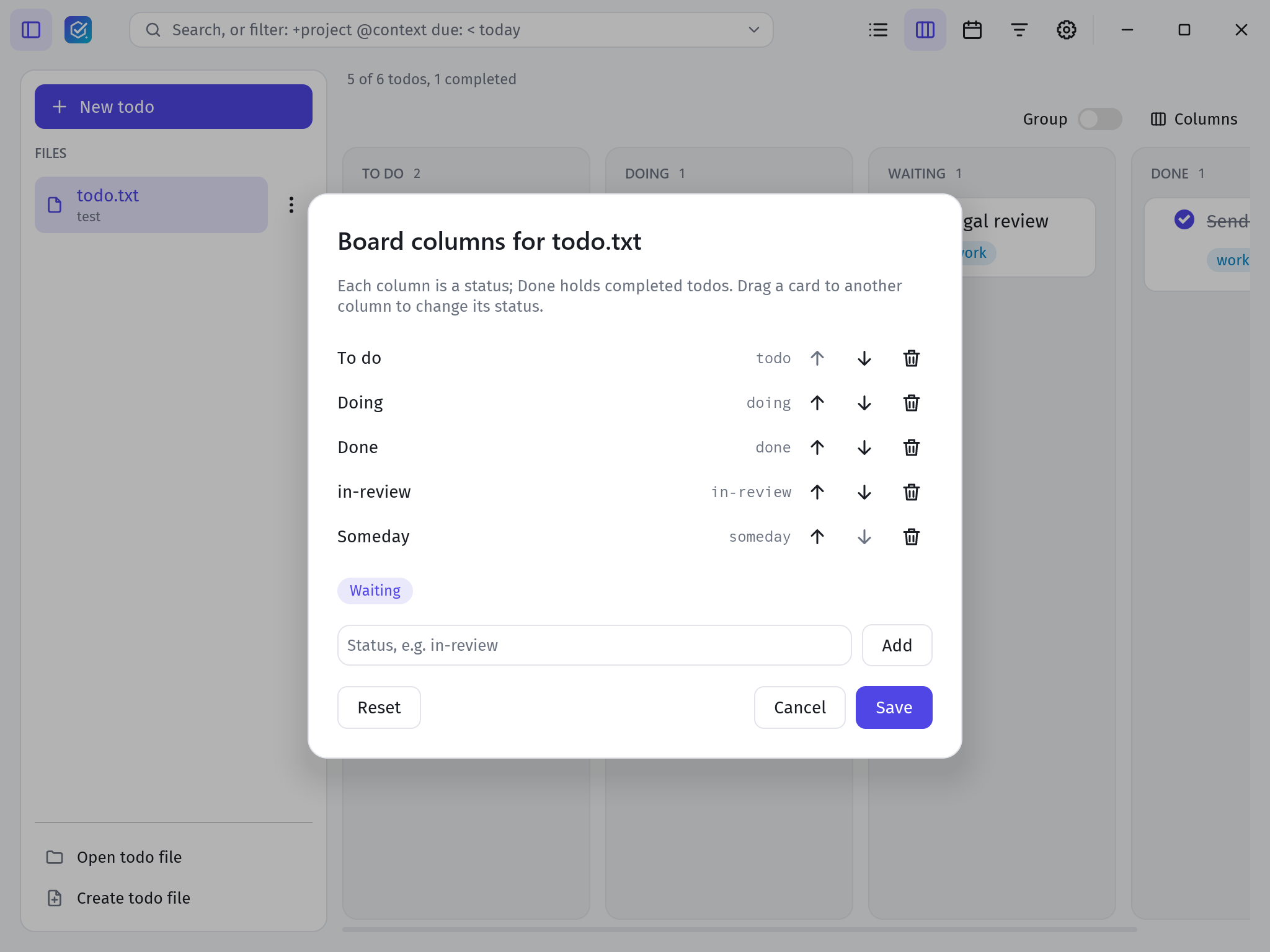
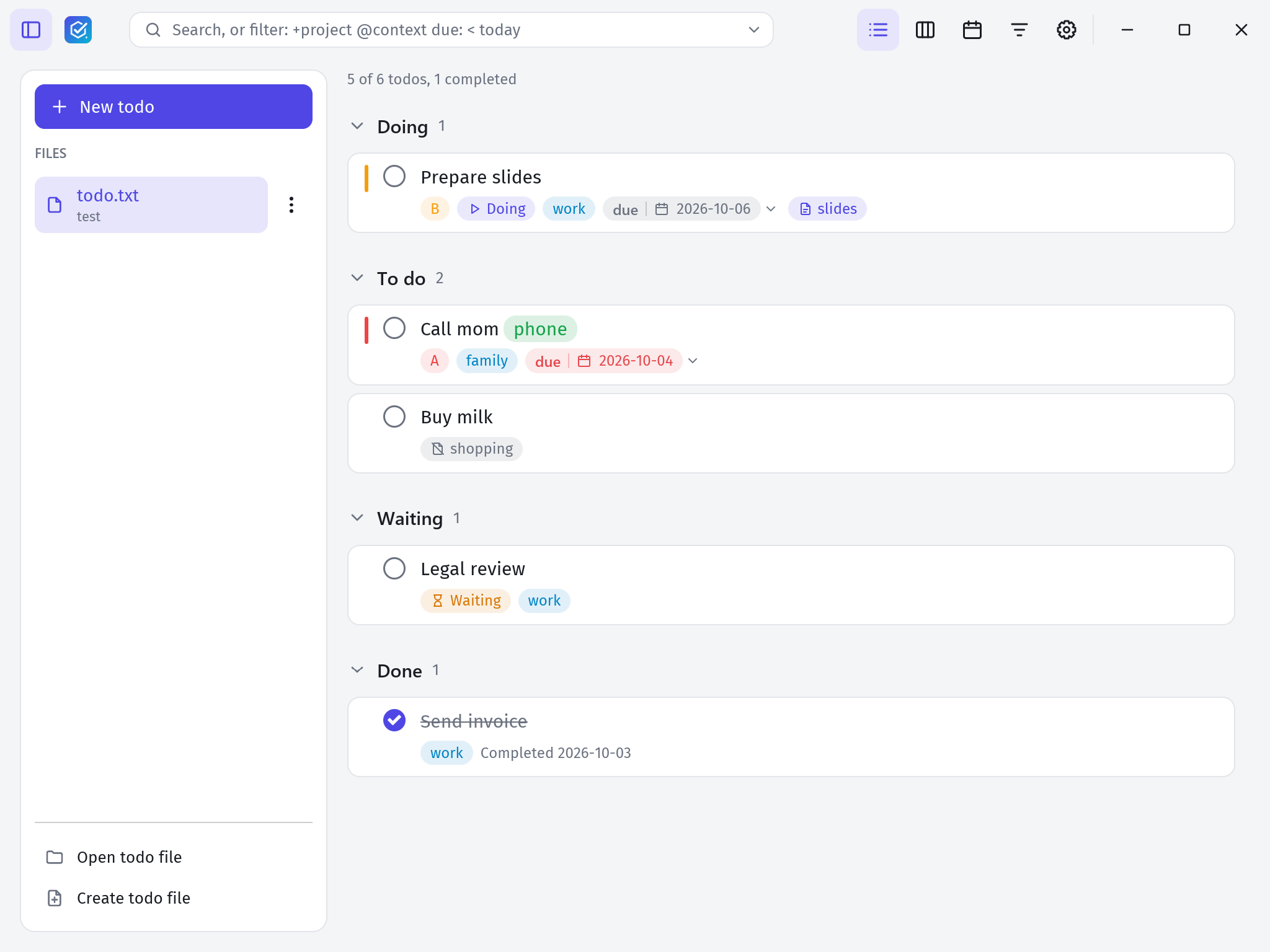
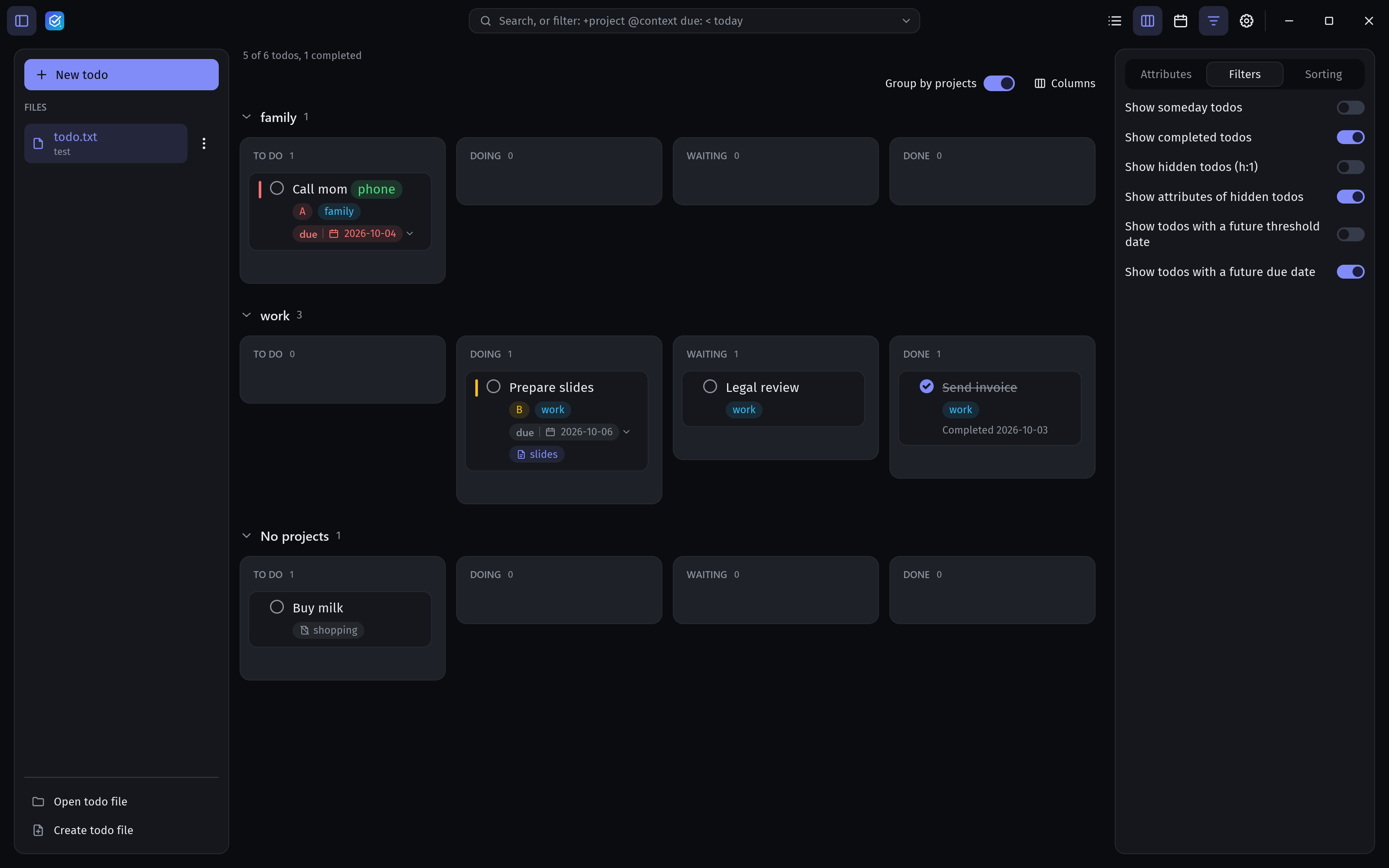
Give open todos a workflow state with the status: extension, then drag them between columns such as To do, Doing and Waiting.
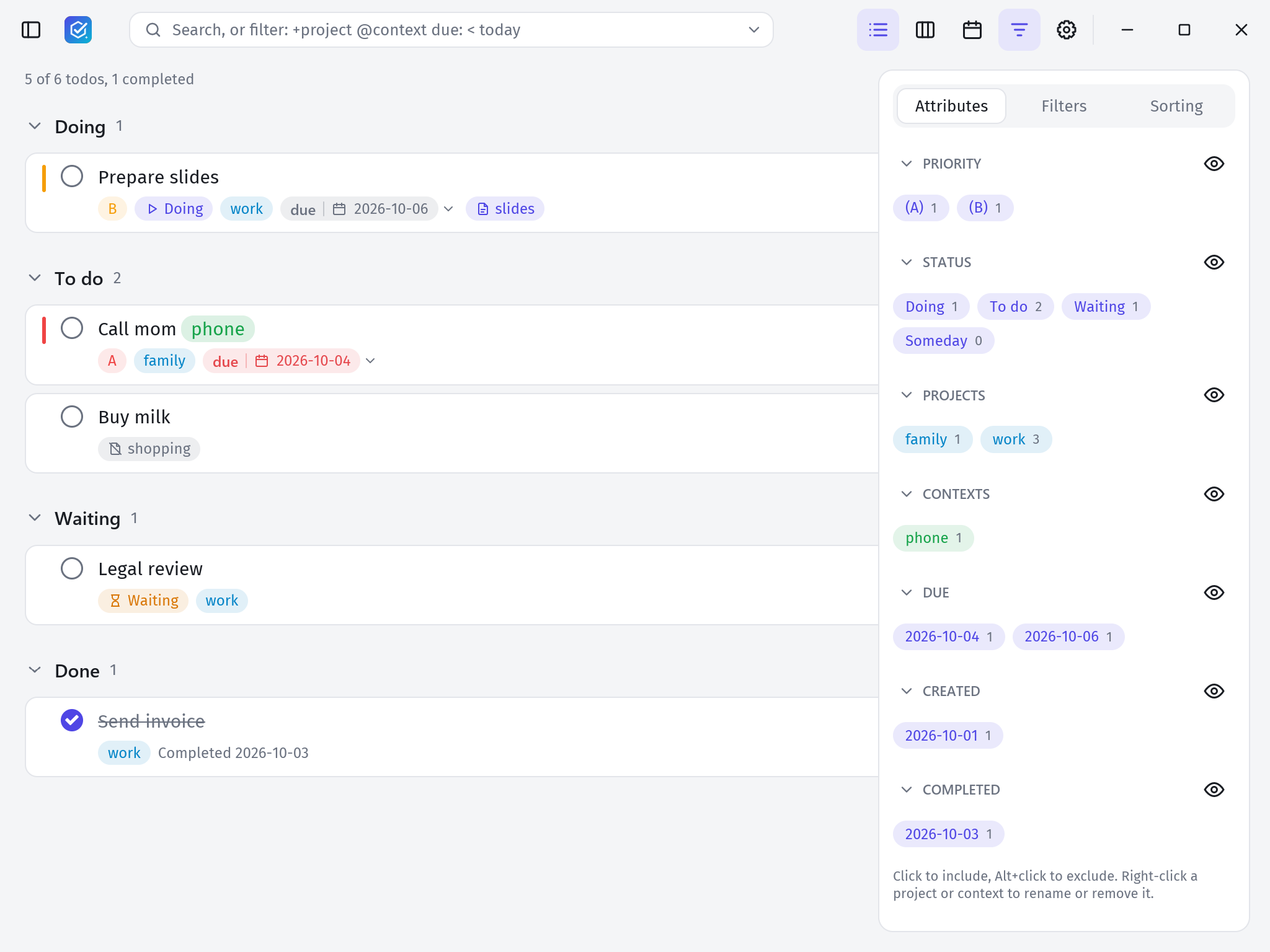
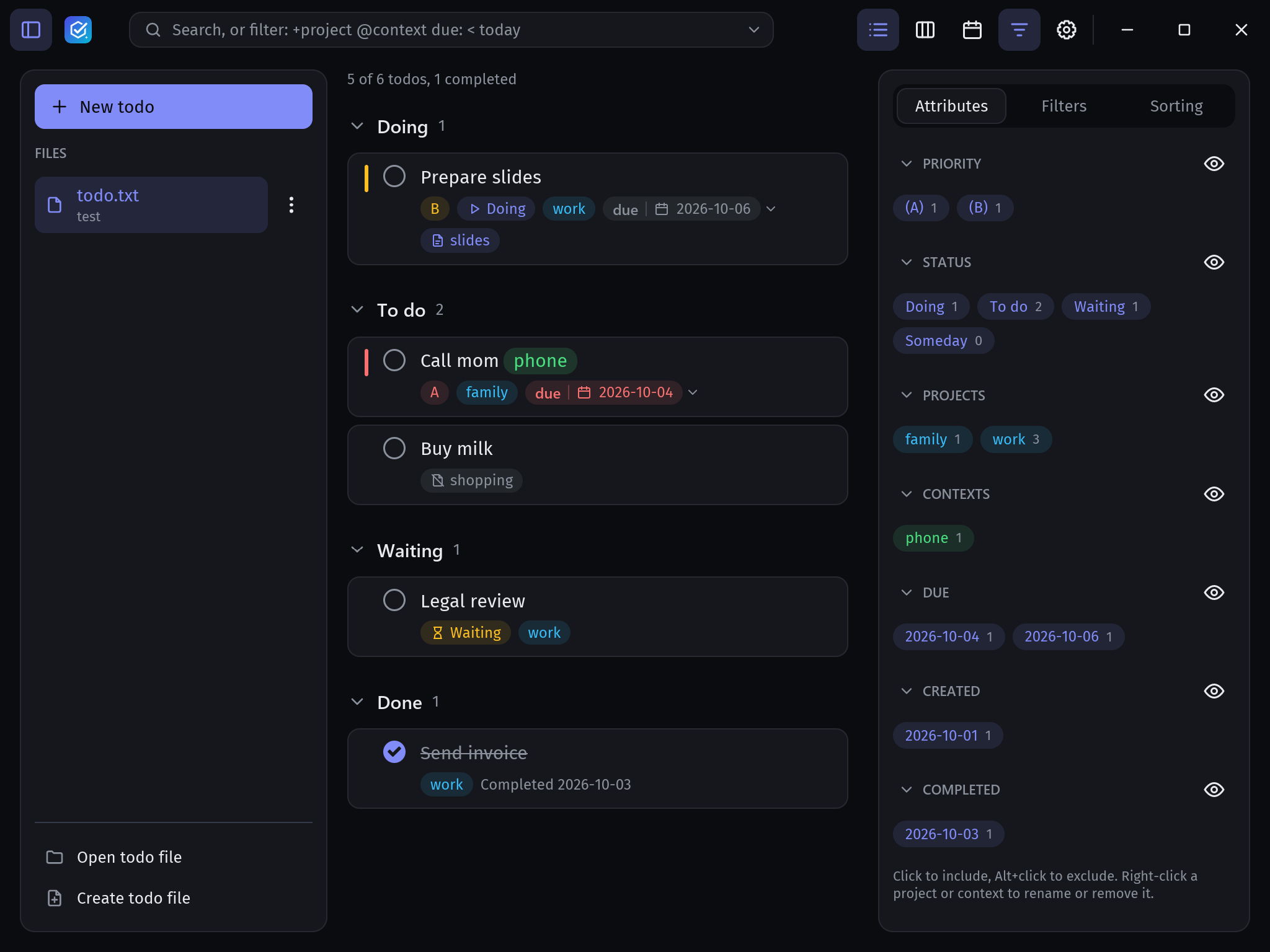
Type plain words or a filter expression like +work and due <= today and not @phone. The drawer shows every project, context, priority and date with its count.
Your data is one human-readable text file. floetask changes only the tokens you edit, so the file round-trips untouched and works with every other todo.txt tool.
Keep the file in OneDrive, Google Drive, Dropbox or any synced folder. floetask reloads it when another device changes it.
Day, week and month views of your due dates. Drag todos between days and plan the ones without a date.
Drag todos between columns such as To do, Doing and Waiting. Group the board into lanes by project or context.
Filter with expressions like +work and due <= today and not @phone, use regular expressions, and save your favourite searches.
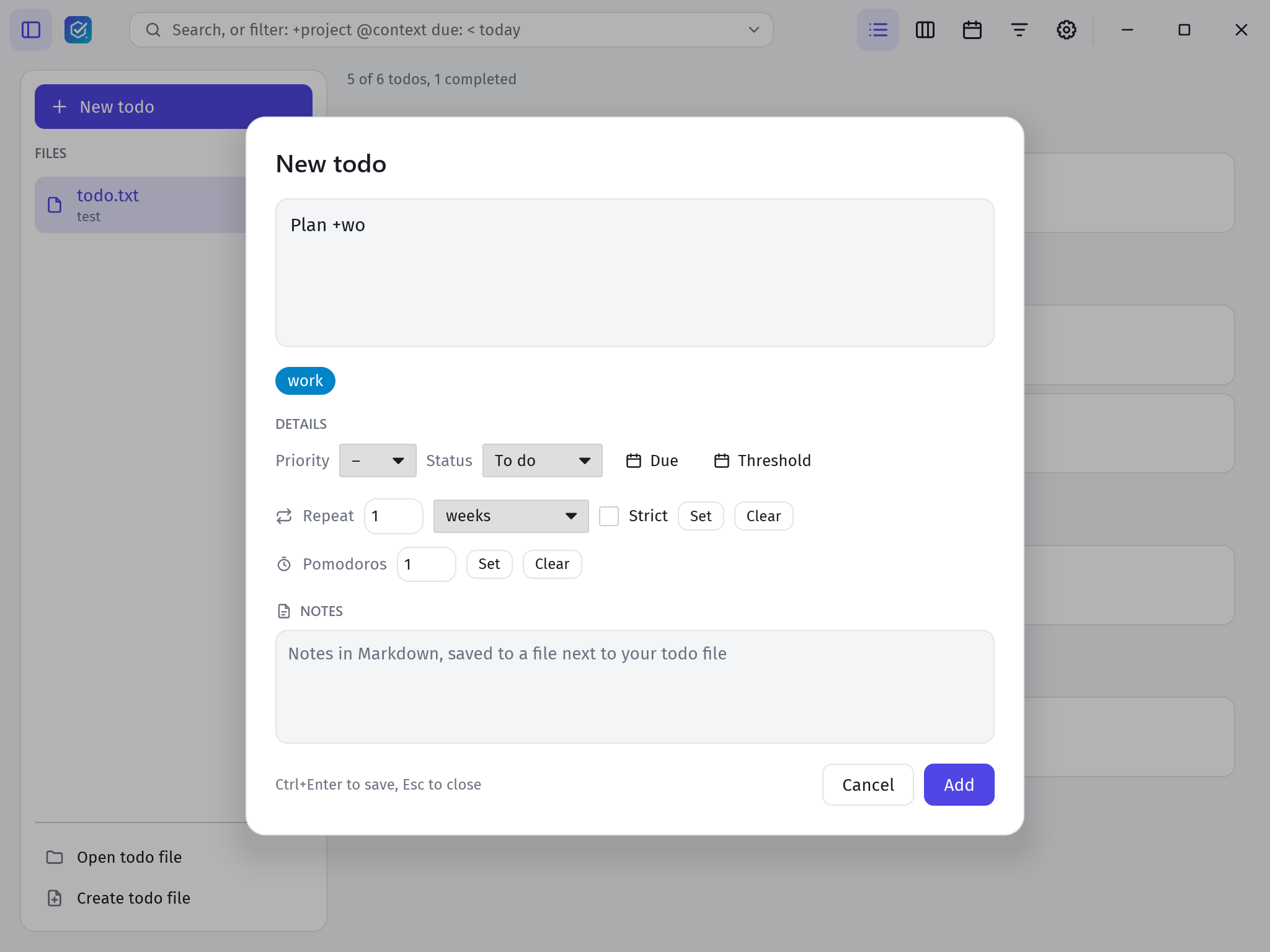
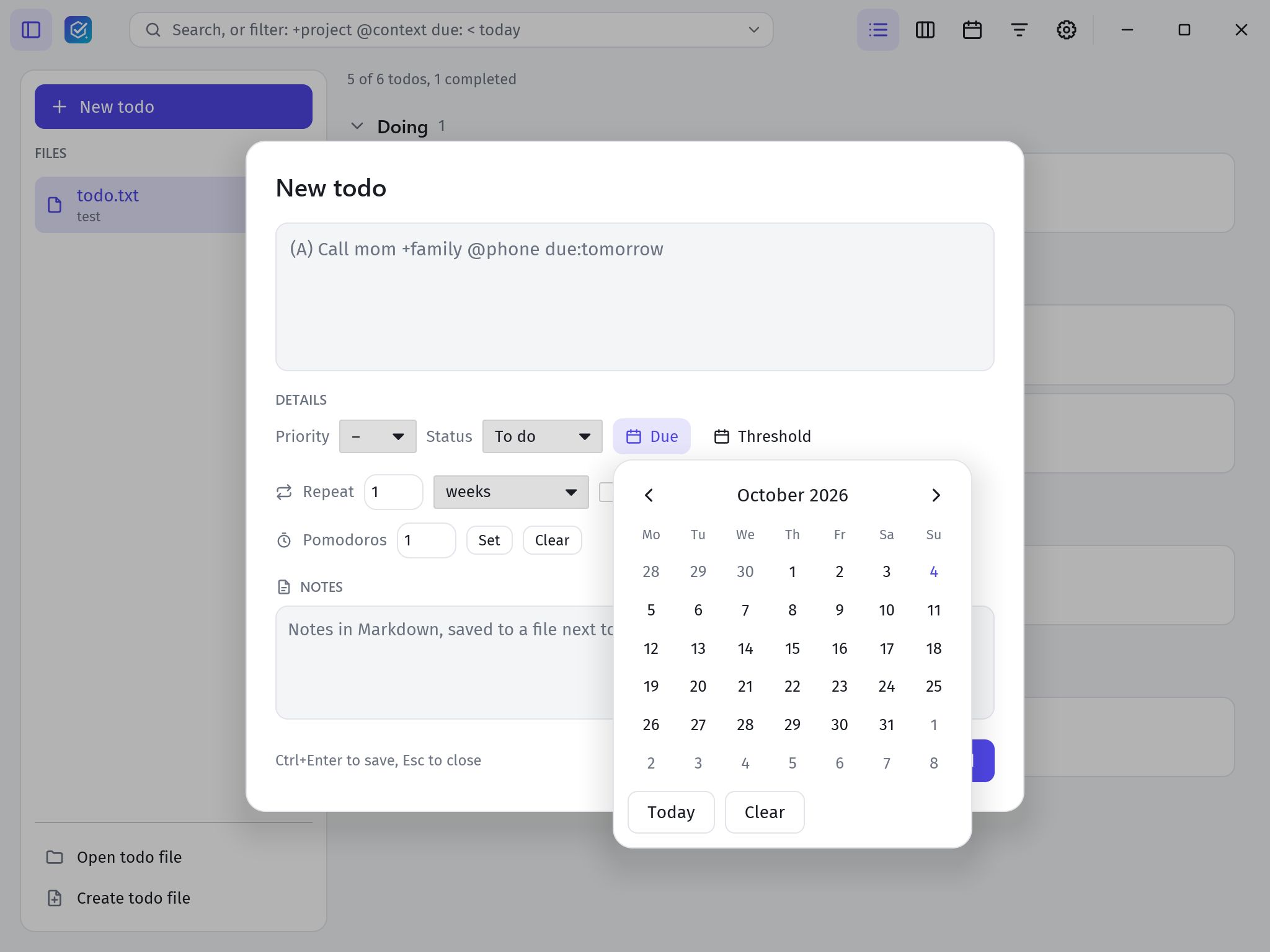
Due and threshold dates, recurring todos, and natural input like due:tomorrow or due:next tuesday, converted to real dates on save.
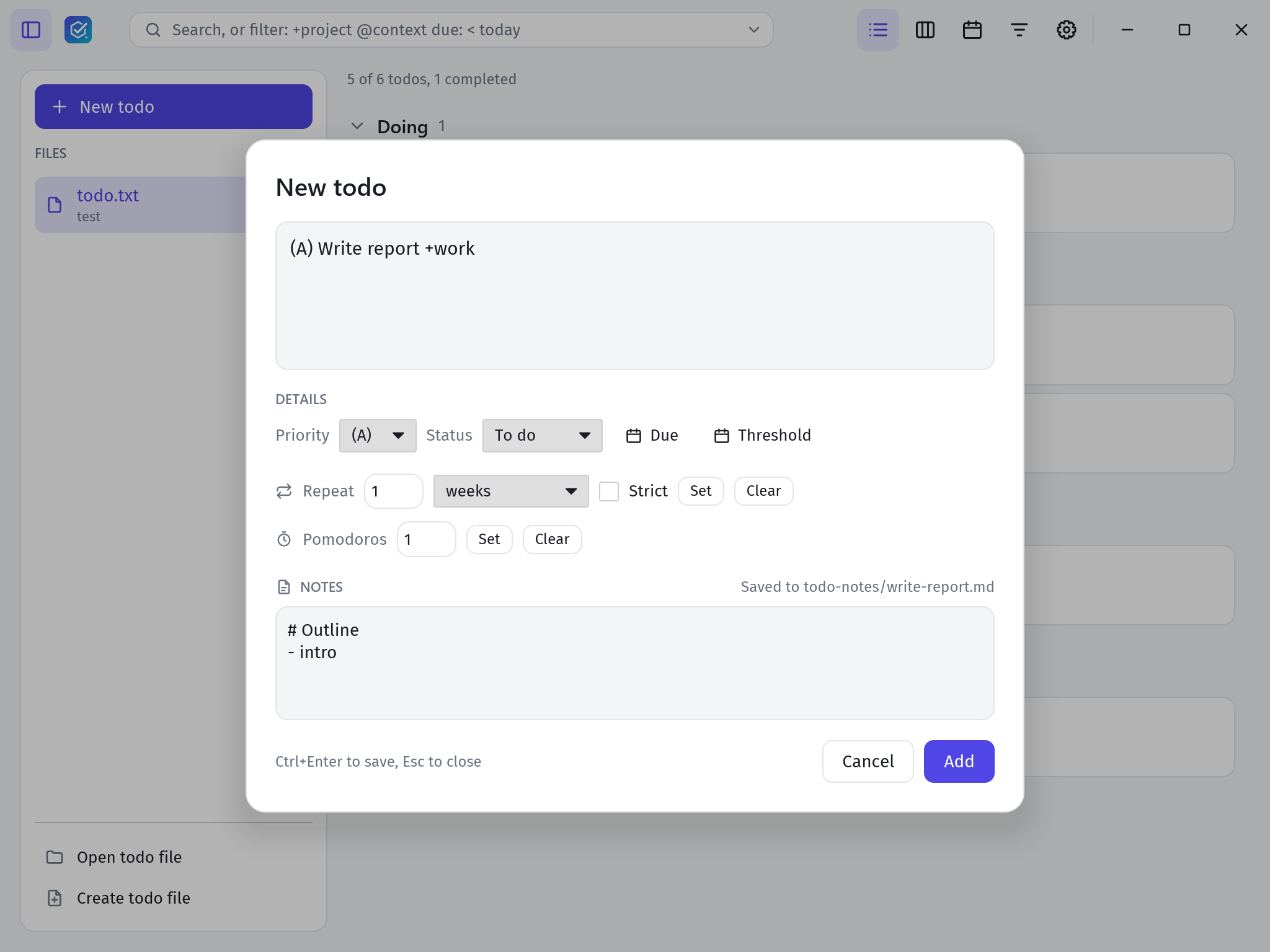
Link a Markdown notes file to any todo with note:, kept in a folder next to your todo.txt.
Get a desktop notification when something is due, and silence the ones that match a saved filter.
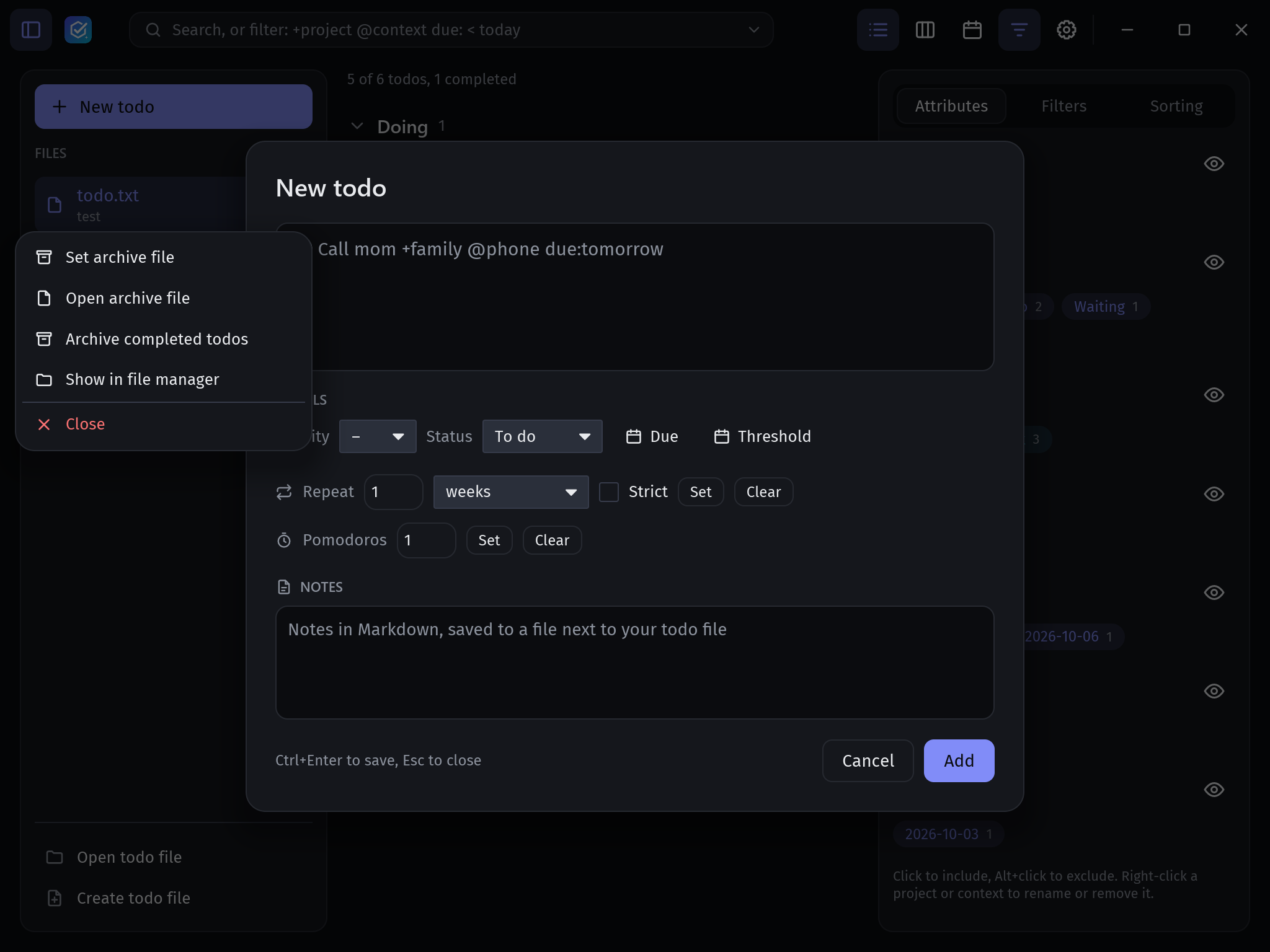
Keep several todo.txt files open and archive completed work to done.txt.
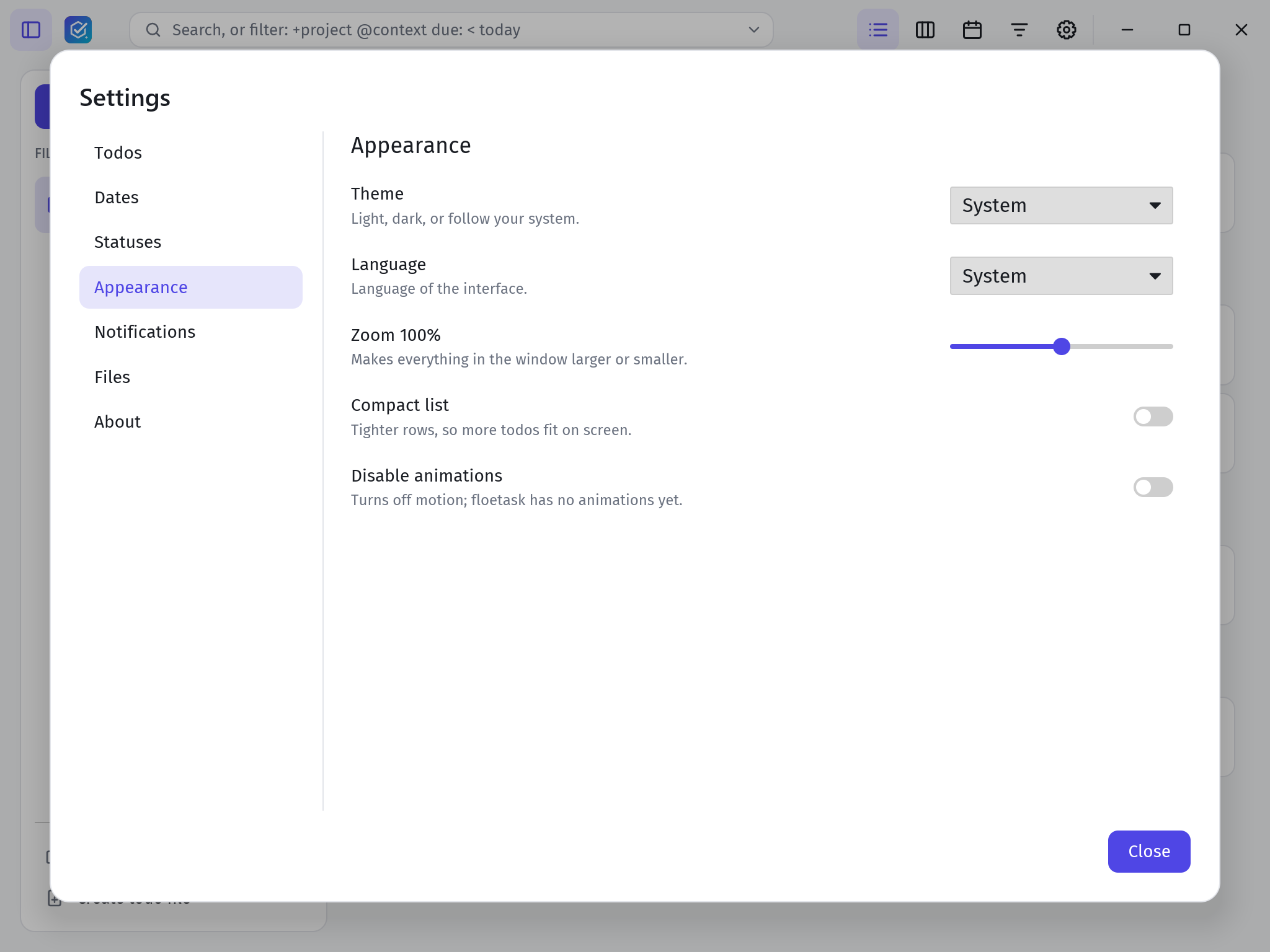
Light and dark themes that follow your system, custom colours, a compact layout and keyboard shortcuts for every action.
Installers for every platform are attached to each GitHub release. Release builds check for updates and install them for you.
Setup .exe or .msi
Windows 10 and 11. The setup installs per user, no admin prompt.
Get it from the latest release →.dmg
Drag floetask into Applications.
Get it from the latest release →AppImage or .deb
The AppImage runs anywhere and updates itself.
Get it from the latest release →Prefer building it yourself? cargo run --release -p floetask-app